How to Organize Recipes: The System Every Food Blogger Needs
How to organize recipes properly — the five things any recipe organization system needs before you commit to a tool.
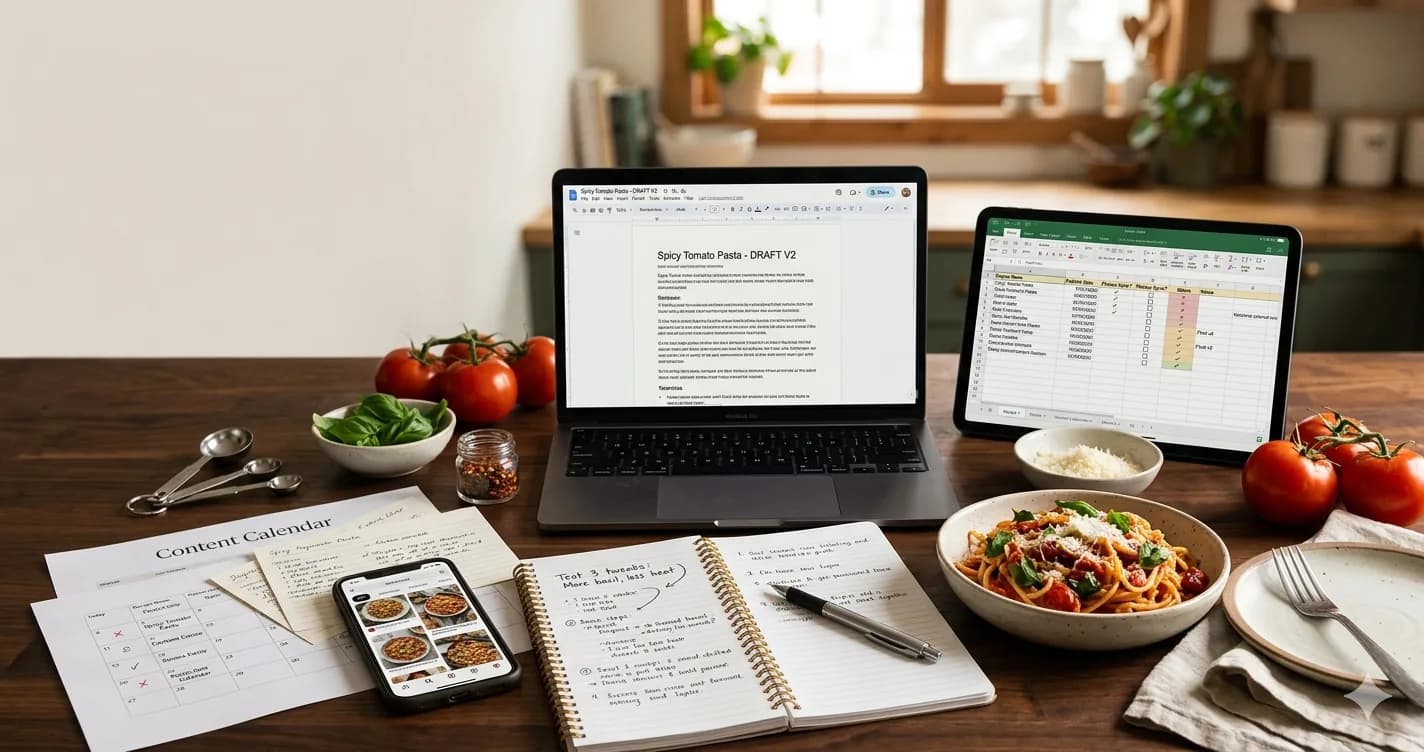
You've cooked the same recipe four times. The version on your phone has the right oven temperature. The Google Doc has the updated spice ratio. The Instagram caption you posted last week has the better wording. None of them agree, and you can't remember which one was the test that actually worked.
That's the problem this post is about — and the question isn't which app to download. It's what an actual recipe organization system needs to do so it stops happening.
Start with the system, not the tool
Most food bloggers already "have a system." It's usually three or four tools doing half a job each: a notebook for testing, Google Docs for drafts, the Notes app for ideas, Instagram saves for inspiration. Each one works in isolation. Stacked together, they create exactly the chaos they were supposed to prevent.
So when people ask how do you organize recipes, what they really need isn't another app recommendation. They need a clear sense of what the system has to do. Pick the criteria first, and the tool decision gets a lot easier — including the option of keeping what you already use. We covered the failure modes of the usual setups in why spreadsheets and notebooks don't work for food bloggers; this post is the other half: what does work.
What a recipe organization system actually needs
Five things. If your current setup — or the next one you're evaluating — doesn't cover all five, you'll be back to scrolling through three apps looking for the right oven temperature in a month.
1. Structured recipes (ingredients and steps)
A recipe isn't a paragraph. It's a small database: ingredients with quantities and units, steps in order, metadata like prep time, cook time, and servings.
That structure isn't for the reader's benefit alone — it's for yours. Once your recipes are stored as structured fields instead of freeform prose, three things get easier at once:
- Easier to cook from. You're not scrolling a wall of text mid-stir looking for "1 tsp of what?"
- Easier to publish. Same shape every time means no reformatting before each post.
- Consistent across your content. Readers learn what to expect, and consistency is what builds trust over a few dozen posts.
The moment you mash everything into one text blob — even a beautifully written one — you lose search, scaling, and reuse.
2. Smart categorization
When you have twenty recipes, you can scroll. At two hundred, scrolling is how things get lost. Categorization is what keeps a growing library navigable for both you and your readers.
The mistake here is treating these like a checklist — tagging every recipe by meal type and cuisine and dietary and occasion. Pick one primary axis that matches how you and your audience actually think about food, and let tags handle the rest:
- Meal type — breakfast, lunch, dinner, snack
- Cuisine — Italian, Asian, Mediterranean
- Dietary — vegan, gluten-free, high-protein
- Occasion — quick weeknight, holiday, meal prep
A baker's primary axis is technique. A meal-prepper's is occasion. A regional cooking blog's is cuisine. There's no universal right answer; there's only the axis your readers would intuitively click first. Two payoffs:
- Better navigation. You find your own recipes in seconds; your readers browse without bouncing.
- Reuse. When you decide to turn ten dinners into a "Weeknight Pasta" guide or pull a holiday cookbook together, smart categorization is what makes that an afternoon's work instead of a weekend's.
3. Ingredient-based search
Categories solve the "browse my whole library" job. They don't solve the most common real-world job: I have these three things in my fridge, what can I make?
People don't open the fridge thinking "what recipe should I cook." They think "what can I cook with what I have." Your system should match that. Search for egg + bacon + spinach and surface every recipe that uses them.
This matters more for your readers than for you. The blogs that retain visitors aren't the ones with the prettiest grid — they're the ones where a reader with half a cabbage and some chicken can actually find something to cook in 30 seconds. Most setups can't do this because the ingredients aren't stored as structured data in the first place (see criterion 1 — they compound).
4. One centralized storage
This is the boring criterion that fixes the most pain.
If your testing notes live in a notebook, your drafts in Docs, your inspiration in Instagram saves, and your published versions in WordPress — you don't have a recipe library. You have four partial ones that disagree with each other.
One central place means:
- One canonical version of every recipe — the latest one, always.
- Updates happen in one spot and propagate everywhere they need to go.
- What you cook from, edit, and publish is the same record, not three drifting copies.
Centralized doesn't mean undifferentiated. A recipe moves through states — idea, testing, published — and the system should know which is which without you opening the file. That's how "I can't remember which version actually worked" stops happening: the latest tested one is flagged as the latest tested one.
The notebook can stay for the scribble-while-tasting phase. But the notebook isn't the library — it's the lab. Don't confuse the two.
5. Editable recipes
You'll revisit recipes. Every food blogger does. You'll bump a temperature down 25°F after the third time it browned too fast. You'll cut the resting time. You'll realize the dressing is better with lemon than vinegar.
A good system makes those edits live updates to one record — not a new file called creamy-pasta-FINAL-v3-actually-final. If editing a recipe creates a duplicate, you'll end up exactly where you started: multiple versions of the same dish, no clear winner.
Editing without duplication is what makes a recipe library improve over time instead of just getting bigger.
Categorizing recipes without going down a rabbit hole
The fastest way to ruin a system is overthinking the categories. People spend a weekend designing a 40-folder taxonomy and abandon it in a week.
Rule of thumb: 6–10 top-level categories, tags do the rest.
Categories are the high-level nav. They're mutually exclusive — a recipe is one of them. Tags are everything else, and they overlap freely.
A worked example. Take creamy-spinach-chicken-pasta:
- Category: Mains (one choice)
- Tags:
pasta,chicken,30-minutes,weeknight,comfort-food
Now you can browse "Mains" cleanly, or filter weeknight + chicken across every category. You don't need a folder called "Weeknight Chicken Pastas" — that's two tags and one category, not a new bucket.
What about the fusion recipes? Korean BBQ tacos, a brunch dessert, a soup that eats like a stew. The instinct is to file it twice, or invent a new category. Don't. Pick the dominant category — what would a hungry reader think of it as first? — and use tags for the second identity. Mains + korean + mexican + fusion. One spot, infinite filters.
The best way to categorize recipes is by how your audience actually searches, not by a system you invented for elegance. If you don't browse your own phone's photo library by "Mediterranean-Inspired Mains," your readers won't browse your blog that way either.
Keep it maintained — or it stops being a system
A recipe organization system is only as useful as your willingness to prune it. Two habits keep it from rotting:
- Quarterly review. Twenty minutes, once a season. Any category with fewer than three recipes in it should've been a tag — demote it. Any tag you've never filtered by can probably go. Some bloggers add a light triage step (opens in a new tab) on top — rating recipes so only the keepers get the full categorization treatment.
- A starting move. If you're staring at 200 scattered recipes, don't try to migrate the archive. Start with your last 20 published posts. Get those into the system properly. Move backwards from there only when you need to.
The system you actually maintain beats the system you designed perfectly and abandoned in three weeks.
The checklist: run any tool through these five questions
You can hold any system up against these — the spreadsheet you've been using, a recipe app a friend recommended, a Notion template, rrecipe.ai, anything.
- Structure. Does it store ingredients, steps, and metadata as separate fields — or is it a glorified text box?
- Categories and tags. Can you assign both, and search across both? One without the other isn't enough.
- Ingredient-based search. Can a reader (or you) find recipes by what's in them, not just by title?
- One source of truth. Is there exactly one canonical version of each recipe, or does editing create new files?
- Edits in place. When you improve a recipe, does the change update the live version everywhere — or does it fork?
If a tool answers yes to all five, it's a real system. If it answers yes to three, it's a half-system you'll outgrow inside six months.
Key insight
The best way to organize recipes isn't about where you store them. It's about how easily you can use, update, and reuse them.
The notebook isn't wrong because it's paper. The Google Doc isn't wrong because it's a Doc. They're wrong because they don't do those five things — and no amount of careful folder naming will fix that.
This is the spec we built rrecipe.ai around: structured ingredients and steps, categories and tags side by side, ingredient-based filtering, one canonical record per recipe, and edits that update everywhere at once. Whatever you end up using, pick it against the five criteria — not the screenshots.
Related Posts
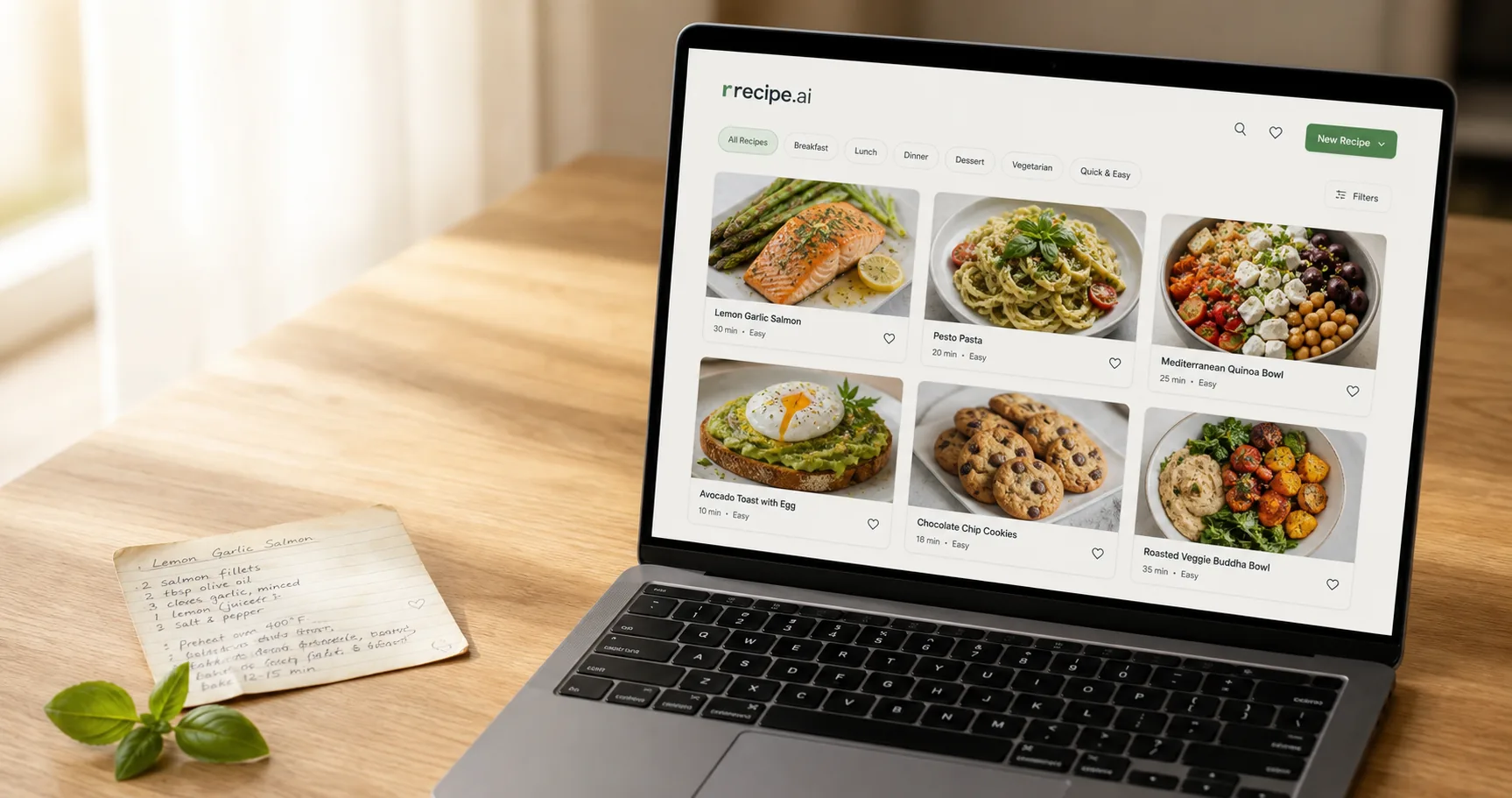
Looking for the best recipe organizer app? Here's what food creators actually need from one — and how rrecipe.ai turns messy drafts into a searchable library.
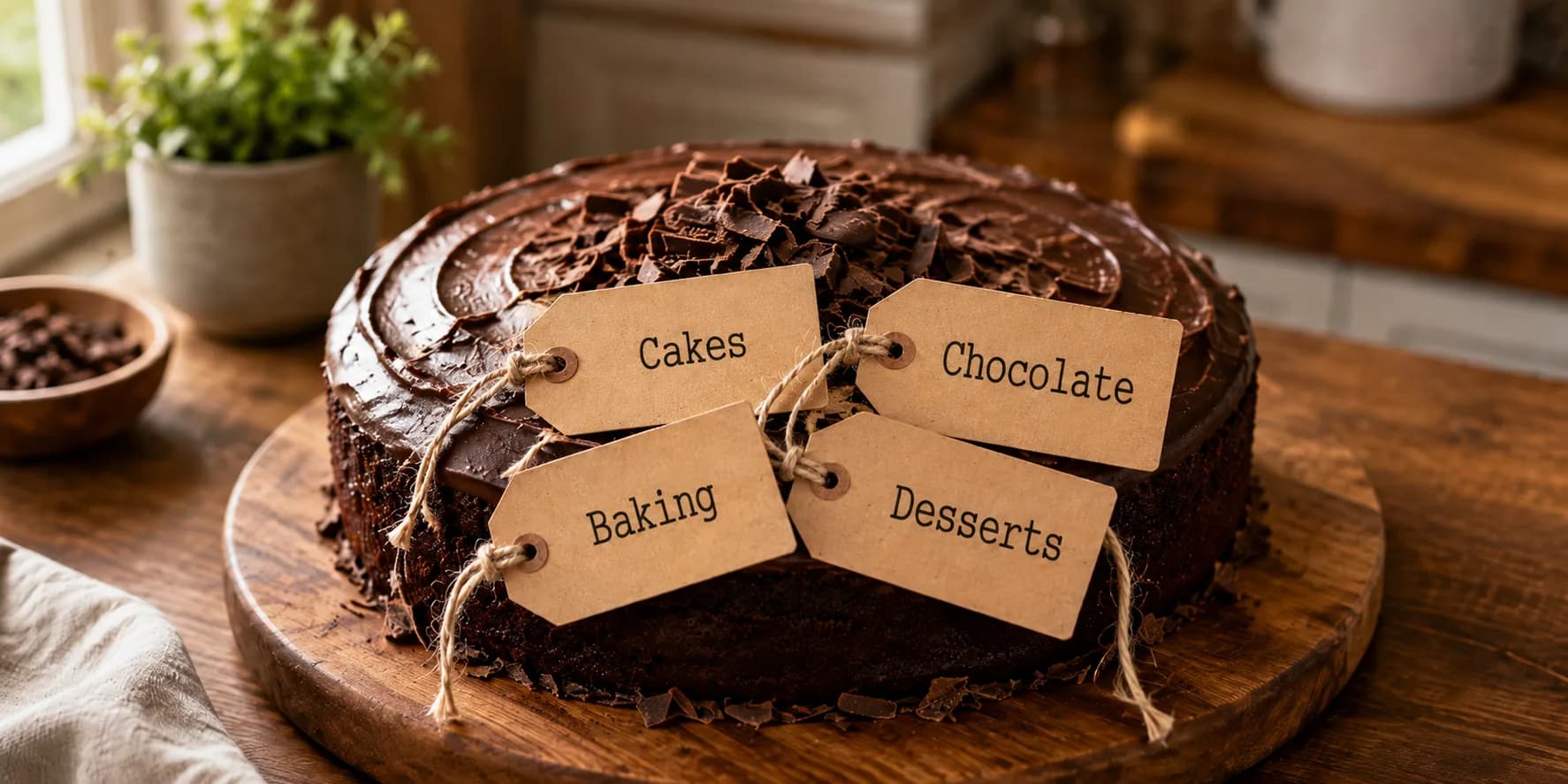
The best way to categorize recipes is to pick one axis and let filters do the rest. A practical system for food bloggers with growing libraries.